


Carousel
Usage
Presentation
This is the display format for the constructor, designed to showcase its capabilities.
Example Basic
Carousel Example
Basic Carousel
::ShCarousel
---
title: Carousel Example
subtitle: Basic Carousel
---
:::ShMicroCard
---
layout: flat
icon: lineicons:nasa
urlWrapper: https://www.nasa.gov/
title: NASA
subtitle: Beyond the Frontier
---
:::
:::ShMicroCard
---
layout: flat
icon: gis:earth-euro-africa-o
urlWrapper: https://science.nasa.gov/earth/facts/
title: Earth
subtitle: The Blue Marble
---
:::
:::ShMicroCard
---
layout: flat
icon: streamline-emojis:new-moon
urlWrapper: https://science.nasa.gov/moon/
title: The Moon
subtitle: Earth's Companion
---
:::
:::ShMicroCard
---
layout: flat
icon: game-icons:mars-curiosity
urlWrapper: https://science.nasa.gov/mars/
title: Mars
subtitle: Meet the neighbour
---
:::
::
You can combine components inside the :
This is not recommended because different components can have different styles and it can be difficult to manage the layout and appearance of the carousel. It is better to use a single type of component for consistency and ease of use.
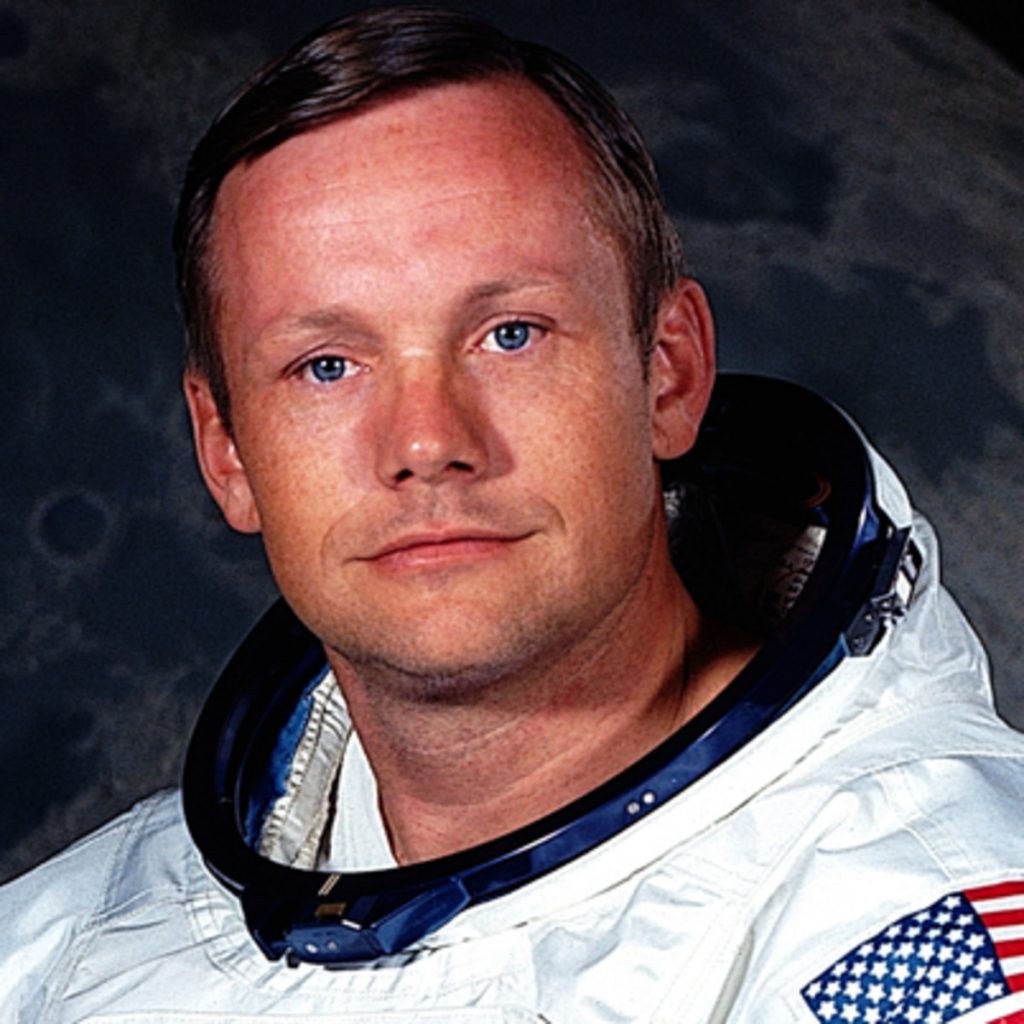
Neil A. Armstrong
Mission Commander
@NASA

Michael Collins
Command Module Pilot
@NASA
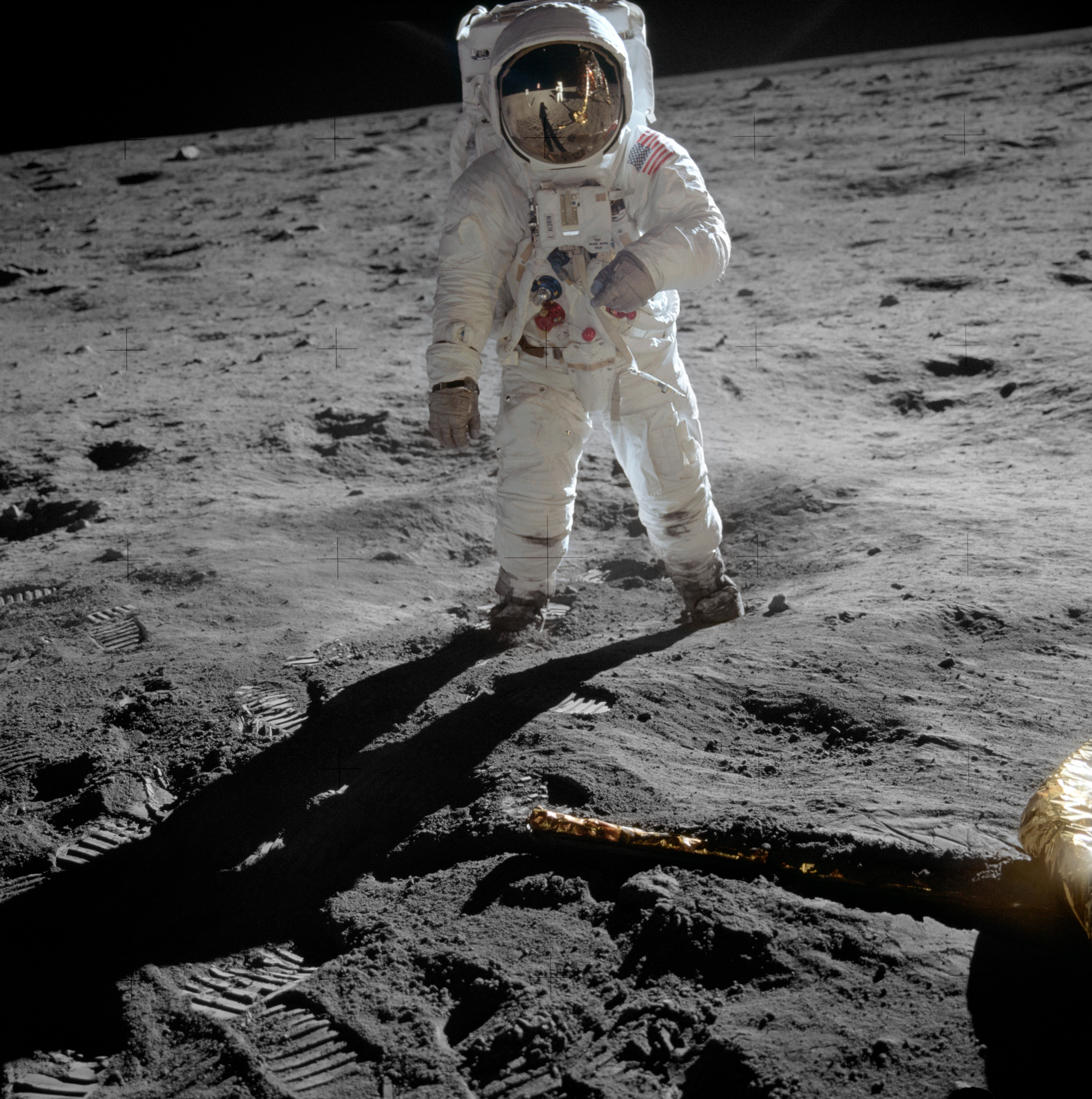
Edwin E. Aldrin Jr.
Pilot of the Lunar Lander Eagle
@NASA
::ShCarousel
---
timer: 4
---
:::ShMicroCard
---
layout: flat
icon: game-icons:lunar-module
urlWrapper: https://www.nasa.gov/mission/apollo-11/
title: Apollo 11
subtitle: First Moon Landing- Crew
---
:::
:::ShAvatar
---
srcAvatar: https://endz.in/wp-content/uploads/2020/05/neil-armstrong-9188943-2-402-1024x1024.jpg
altAvatar: Neil Armstrong
name: Neil A. Armstrong
role: Mission Commander
company: NASA
---
:::
:::ShAvatar
---
srcAvatar: https://www.mathrubhumi.com/image/contentid/policy:1.5627767:1644480627/image.jpg?$p=0f6e831&f=4x3&w=1080&q=0.8
altAvatar: Michael Collins
name: Michael Collins
role: Command Module Pilot
company: NASA
---
:::
:::ShAvatar
---
srcAvatar: https://images.saymedia-content.com/.image/ar_1:1%2Cc_fill%2Ccs_srgb%2Cfl_progressive%2Cq_auto:eco%2Cw_1200/MjAyOTYxMzkwMjM0MTgyNzI0/buzz-aldrin-astronaut-and-innovator.jpg
altAvatar: Buzz Aldrin
name: Edwin E. Aldrin Jr.
role: Pilot of the Lunar Lander Eagle
company: NASA
---
:::
::
Props
These are the properties and attributes associated with the constructor:
Properties and Attributes Description
The constructor represents a carousel component that supports rotating slides, navigation control, and automatic slide transitions. Below is a detailed description of the properties and attributes used in the constructor.
| Property | Attribute | Default | Description |
|---|---|---|---|
ui |
wrapper |
config.wrapper |
Defines the overall styling for the carousel container. |
inner |
config.inner |
Defines the styling for the inner sliding container. | |
track |
config.track |
Styles for the grid that stacks every slide in the same cell, so the carousel is as tall as its tallest slide. | |
group |
config.group |
Styles applied to each slide group (the set of components shown together in one view). | |

title |
config.title |
Styles applied to the title text (e.g. font size, color). | |
subtitle |
config.subtitle |
Styles applied to the subtitle text (e.g. font size, color). | |
item |
config.item.wrapper |
Styles applied to each individual slide. | |
navigation |
config.navigation.wrapperconfig.navigation.innerconfig.navigation.activeconfig.navigation.inactive |
Styles for the navigation dots (pagination dots). They sit inside the carousel wrapper rather than below it. | |
horizontalvertical |
config.[direction].groupconfig.[direction].item.singleconfig.[direction].item.multipleconfig.[direction].navigation.wrapperconfig.[direction].navigation.inner |
Everything that depends on the axis the slides travel along. The carousel applies whichever of the two blocks matches its direction, on top of the shared values above, so a page normally only sets direction and leaves the styling alone. item.single is used when slides is 1, item.multiple when it is greater than 1. |
|
slides |
n/a | 1 |
Number of slides to show at once; determines how many components are displayed in one view. |
timer |
n/a | 2 |
Interval in seconds for automatic slide transitions. Set to 0 to disable auto-transition. |
direction |
n/a | horizontal |
Axis the slides travel along. Use horizontal to slide sideways, or vertical to slide upwards. |
title |
n/a | n/a | Optional title text displayed above the carousel. Styled via ui.title. |
subtitle |
n/a | n/a | Optional subtitle text shown below the title. Styled via ui.subtitle. |
description |
n/a | n/a | Used for documentation purposes to help content writers; does not render on the website. |
Advanced Usage
Advanced Carousel Example
Manual Control Over Slides Loop

Neil A. Armstrong
Mission Commander
@NASA

Michael Collins
Command Module Pilot
@NASA

Edwin E. Aldrin Jr.
Pilot of the Lunar Lander Eagle
@NASA
::ShCarousel
---
ui:
wrapper: dark:bg-neutral-800
title: Advanced Carousel Example
subtitle: Manual Control Over Slides Loop
timer: 0 #Disable auto-slide
slides: 2 #Show 2 slides at once
---
:::ShMicroCard
---
layout: flat
icon: game-icons:lunar-module
urlWrapper: https://www.nasa.gov/mission/apollo-11/
title: Apollo 11
subtitle: First Moon Landing- Crew
---
:::
:::ShAvatar
---
srcAvatar: https://endz.in/wp-content/uploads/2020/05/neil-armstrong-9188943-2-402-1024x1024.jpg
altAvatar: Neil Armstrong
name: Neil A. Armstrong
role: Mission Commander
company: NASA
---
:::
:::ShAvatar
---
srcAvatar: https://www.mathrubhumi.com/image/contentid/policy:1.5627767:1644480627/image.jpg?$p=0f6e831&f=4x3&w=1080&q=0.8
altAvatar: Michael Collins
name: Michael Collins
role: Command Module Pilot
company: NASA
---
:::
:::ShAvatar
---
srcAvatar: https://images.saymedia-content.com/.image/ar_1:1%2Cc_fill%2Ccs_srgb%2Cfl_progressive%2Cq_auto:eco%2Cw_1200/MjAyOTYxMzkwMjM0MTgyNzI0/buzz-aldrin-astronaut-and-innovator.jpg
altAvatar: Buzz Aldrin
name: Edwin E. Aldrin Jr.
role: Pilot of the Lunar Lander Eagle
company: NASA
---
:::
::
Config
These style properties can be modified via ui and are stored in the .ts:
export default {
wrapper: "relative w-full",
title: "title text-center text-[24px] font-extrabold dark:saturate-[300%] break-words",
subtitle: "subtitle text-center text-[20px] font-bold dark:saturate-[180%] -mt-5 break-words",
inner: "overflow-hidden",
track: "grid grid-cols-1",
group: "col-start-1 row-start-1 flex justify-center gap-4",
item: {
wrapper: "w-full",
},
navigation: {
wrapper: "absolute z-10 flex gap-2",
inner: "rounded-full",
active: "bg-golden saturate-[300%]",
inactive: "bg-gray-500",
},
horizontal: {
group: "px-4",
item: {
single: "max-w-md",
multiple: "max-w-sm",
},
navigation: {
wrapper: "left-1/2 transform -translate-x-1/2 bottom-2",
inner: "w-3 h-3",
},
},
vertical: {
group: "items-center px-12",
item: {
single: "max-w-full",
multiple: "max-w-sm",
},
navigation: {
wrapper: "left-4 top-1/2 transform -translate-y-1/2 flex-col",
inner: "w-2 h-2",
},
},
// Default Tailwind CSS values
default: {
}
}
Class Descriptions
These represent the class values utilized in the exported object. These values are customizable and can be strengthened or overridden through the ui properties' attributes.
wrapper
- Value:
"relative w-full" - Description:
relative: Sets the element's position relative so children with absolute positioning can be placed inside.w-full: Makes the element take the full width of its container.
title
- Value:
"title text-center text-[24px] font-extrabold dark:saturate-[300%] break-words z-20" - Description:
title: Likely a utility class or semantic marker, does nothing unless defined elsewhere.text-center: Centers the text horizontally.text-[24px]: Custom text size of 24px.font-extrabold: Applies extra-bold font weight.dark:saturate-[300%]: In dark mode, saturates color 3x (can make colors look more intense).break-words: Breaks long words to prevent overflow.
subtitle
- Value:
"subtitle text-center text-[20px] font-bold dark:saturate-[180%] mt-1 break-words z-20" - Description:
subtitle: Liketitle, probably a semantic or utility marker.text-center: Centers the text horizontally.text-[20px]: Custom text size of 20px.font-bold: Applies bold font weight.dark:saturate-[180%]: In dark mode, increases color saturation by 180%.-mt-5: Adds a top margin in opposite direction.break-words: Prevents text overflow by breaking words.
inner
- Value:
"overflow-hidden" - Description:
overflow-hidden: Clips any overflowing child elements, useful for sliders or carousels.
track
- Value:
"grid grid-cols-1" - Description:
grid: Lays the slides out on a grid so they can all share a single cell.grid-cols-1: Pins the grid to one column the width of the carousel, so a wide slide cannot stretch the track.
group
- Value:
"col-start-1 row-start-1 flex justify-center gap-4" - Description:
col-start-1 row-start-1: Places every slide in the same grid cell, stacked on top of each other. Each slide is then moved into or out of view with its own transform, which keeps the carousel as tall as its tallest slide instead of needing a fixed height.flex: Lays the components of a single slide out in a row.justify-center: Centers those components horizontally.gap-4: Adds space between them.
item.wrapper
- Value:
"w-full" - Description:
w-full: Makes each slide take the full width available inside its slide group.
navigation.wrapper
- Value:
"absolute z-10 flex gap-2" - Description:
absolute: Positions the element absolutely within the relative parent, which is the carousel wrapper itself.z-10: Keeps the dots above the slides, since they sit over the carousel instead of below it.flex: Uses flexbox layout.gap-2: Adds space between child items.
navigation.inner
- Value:
"rounded-full" - Description:
rounded-full: Makes the dot perfectly circular. Its size comes from the direction block, since a vertical carousel is usually a thinner strip.
navigation.active
- Value:
"bg-golden saturate-[300%]" - Description:
bg-golden: Applies a golden background color (custom class, should be defined in Tailwind config).saturate-[300%]: Boosts color saturation, making it more vivid.
navigation.inactive
- Value:
"bg-gray-500" - Description:
bg-gray-500: Applies a medium gray background color.
horizontal and vertical
- Description: The carousel applies whichever of these two blocks matches its
direction, on top of the shared values above. None of these classes are repeated in the shared values, so the two never set the same property and a page can pick an axis without restyling anything.group:"px-4"when horizontal. When vertical it becomes"items-center px-12", which centers a short slide against a taller one and leaves a gutter for the dots.item.single:"max-w-md"when horizontal, which suits a card. When vertical it becomes"max-w-full", since a vertical carousel is normally a full-width strip such as a banner.item.multiple:"max-w-sm"either way, so several slides fit alongside each other.navigation.wrapper:"left-1/2 transform -translate-x-1/2 bottom-2"when horizontal, centering the dots along the bottom edge. When vertical it becomes"left-4 top-1/2 transform -translate-y-1/2 flex-col", stacking them down the left-hand side so they follow the axis the slides travel along and stay clear of any close or action button on the right.navigation.inner:"w-3 h-3"when horizontal,"w-2 h-2"when vertical, where the strip is thinner.
default
- Value:
{} - Description:
- Empty object, reserved for fallback or shared default styles if needed later.
These style properties ensure that the is visually appealing and flexible, allowing for a wide range of customization to meet specific design requirements.


